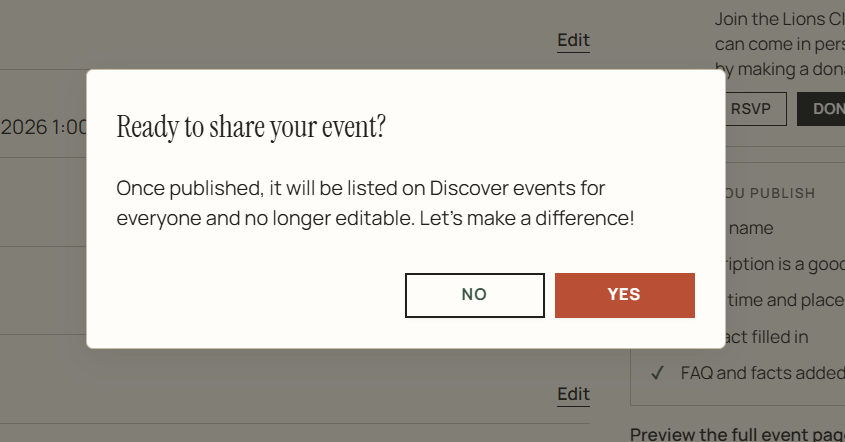
Create Events
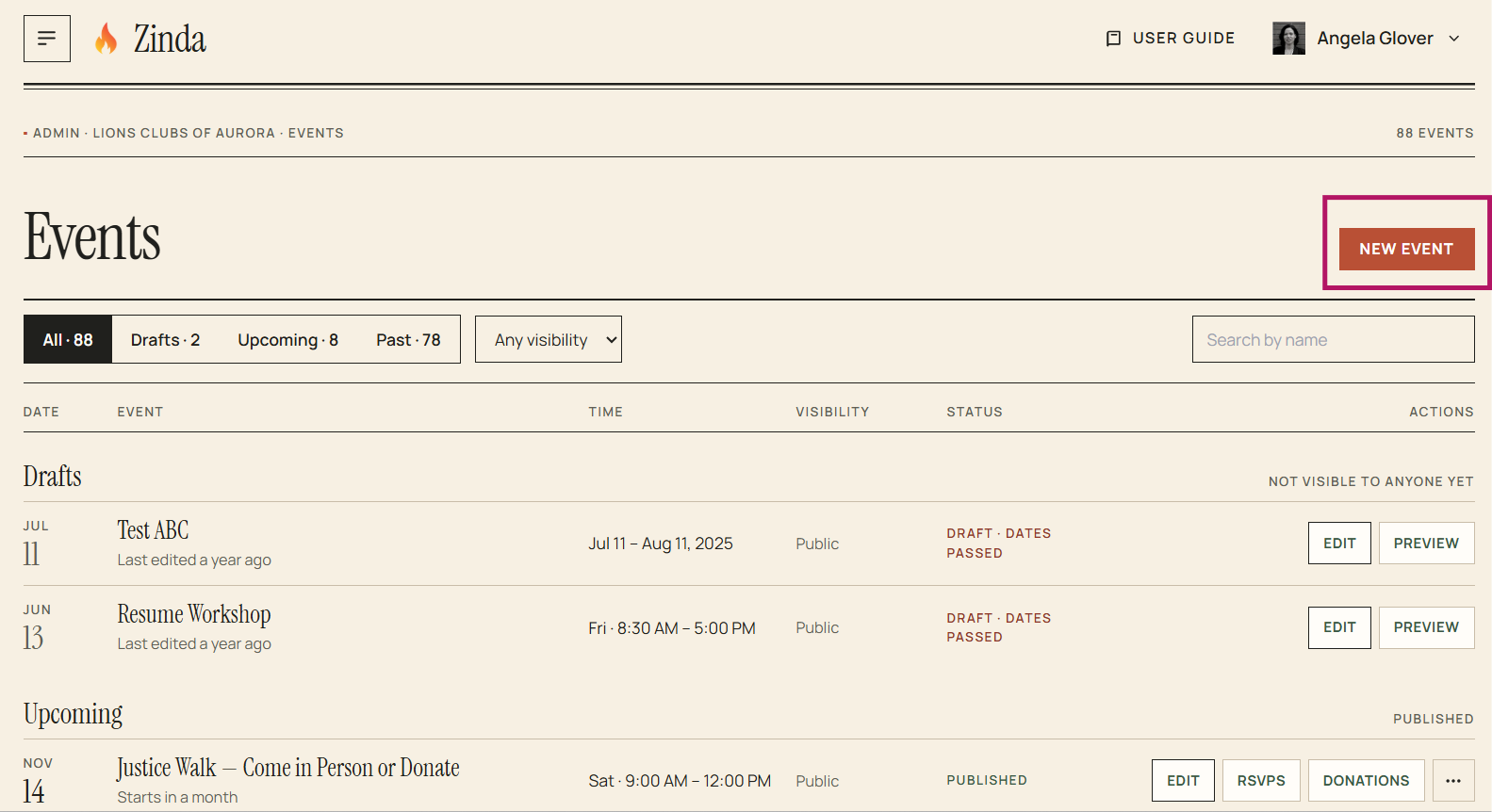
To create a new event, click on 'Events' in the menu. Next click on 'New Event'
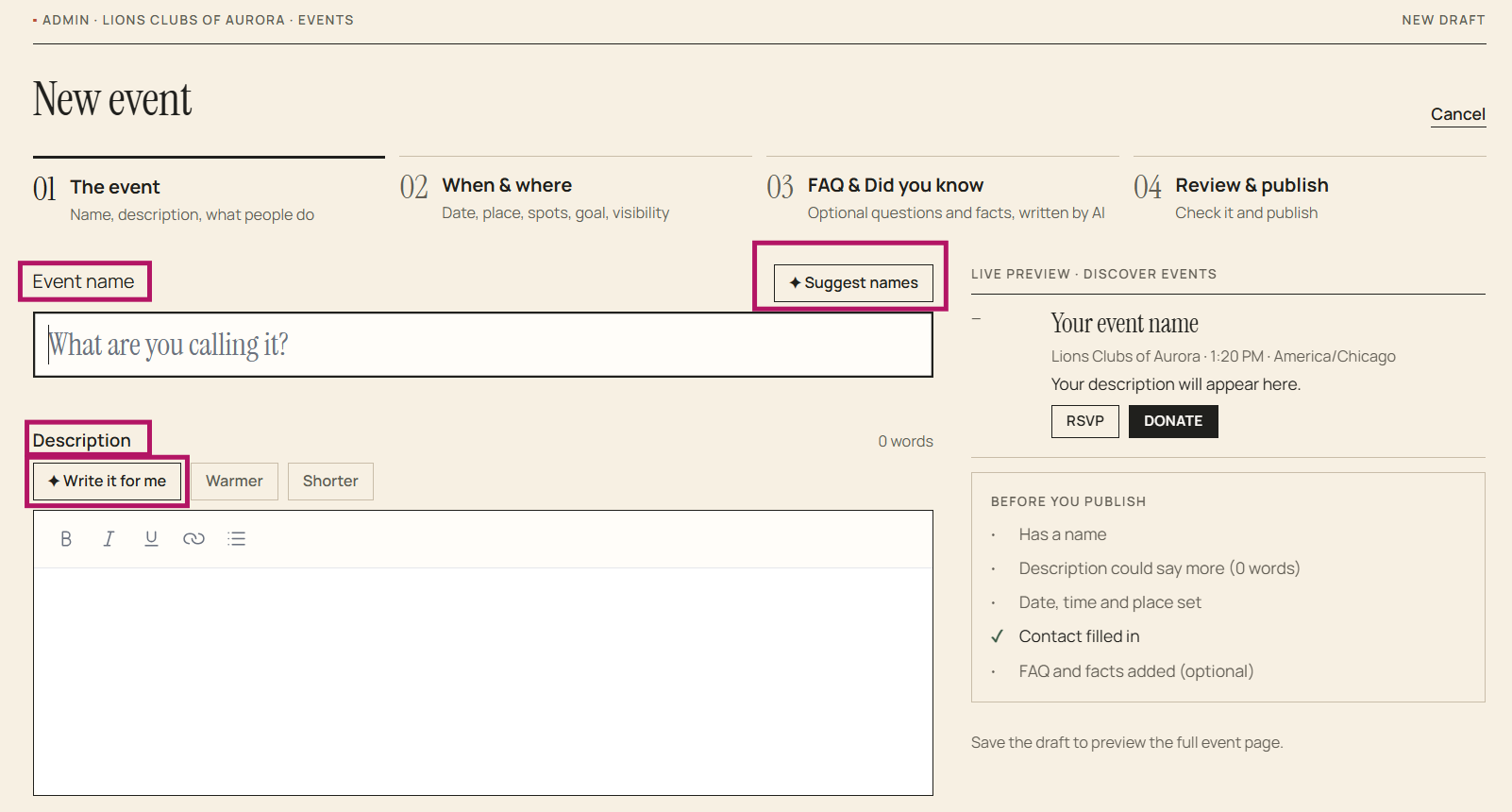
Complete Step 1 - The Event (event name, event description, event type - attend, donate or both). You can also enable AI to suggest an event name and write the event description
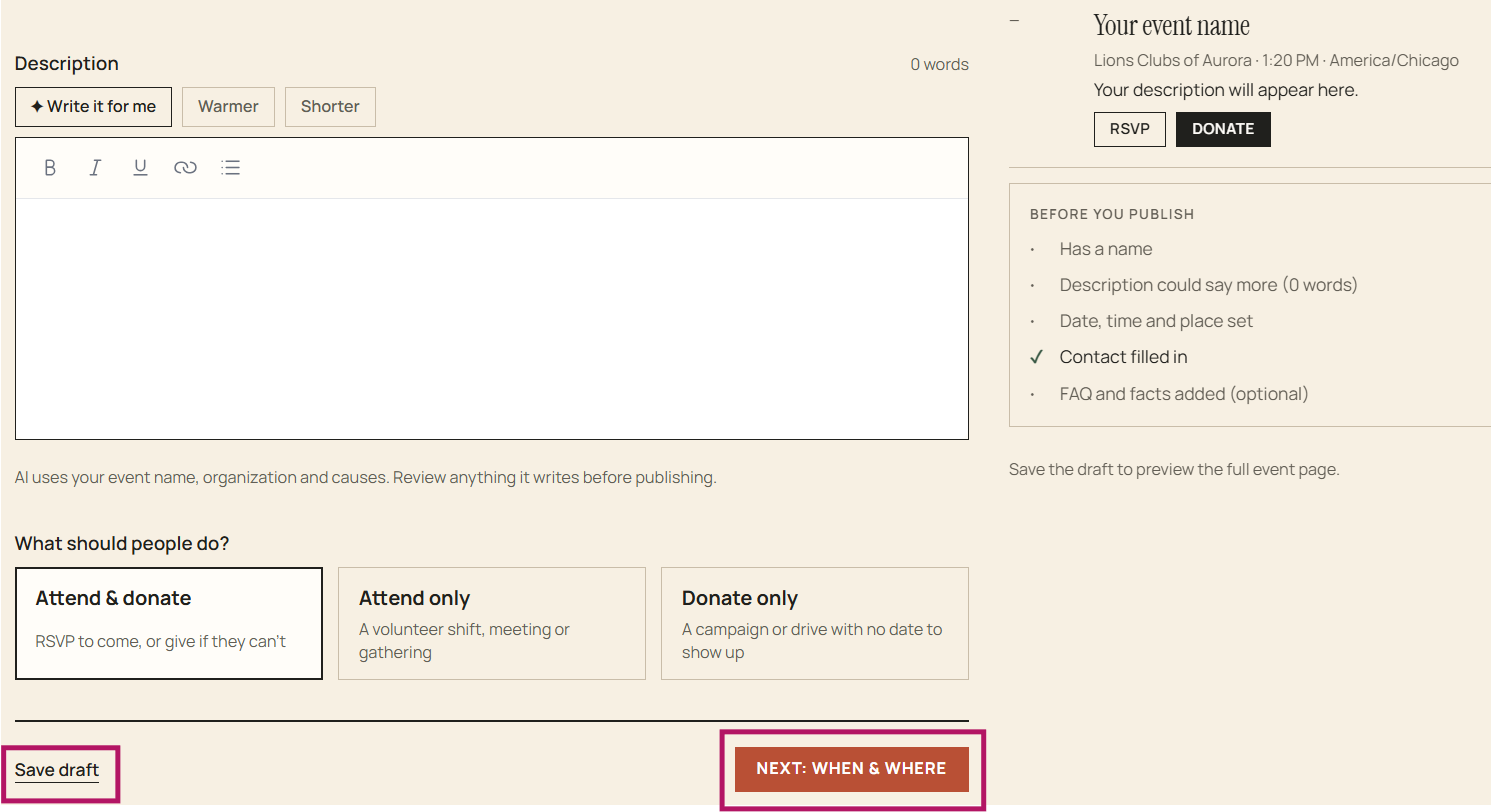
You can save the event as a 'Draft' and finish it later using 'Edit' or continue to step 2
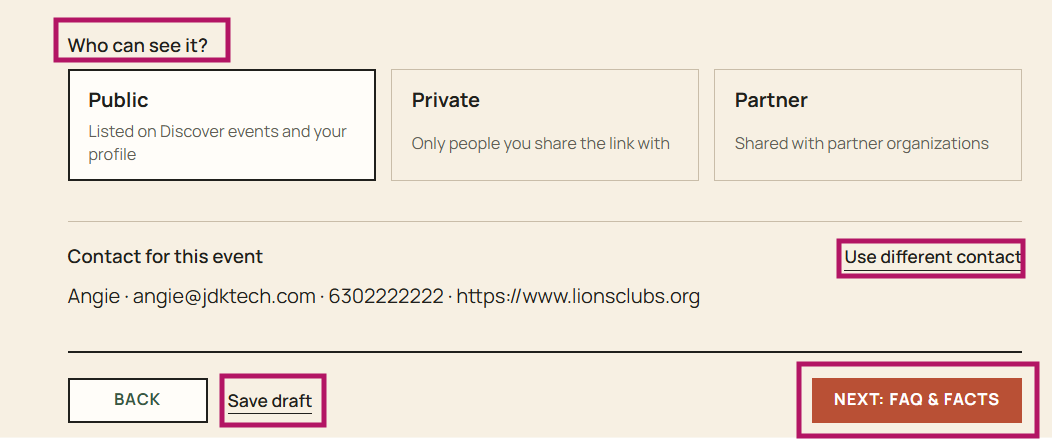
Complete Step 2 - When and Where (date, place, spots, goal, and visibility)
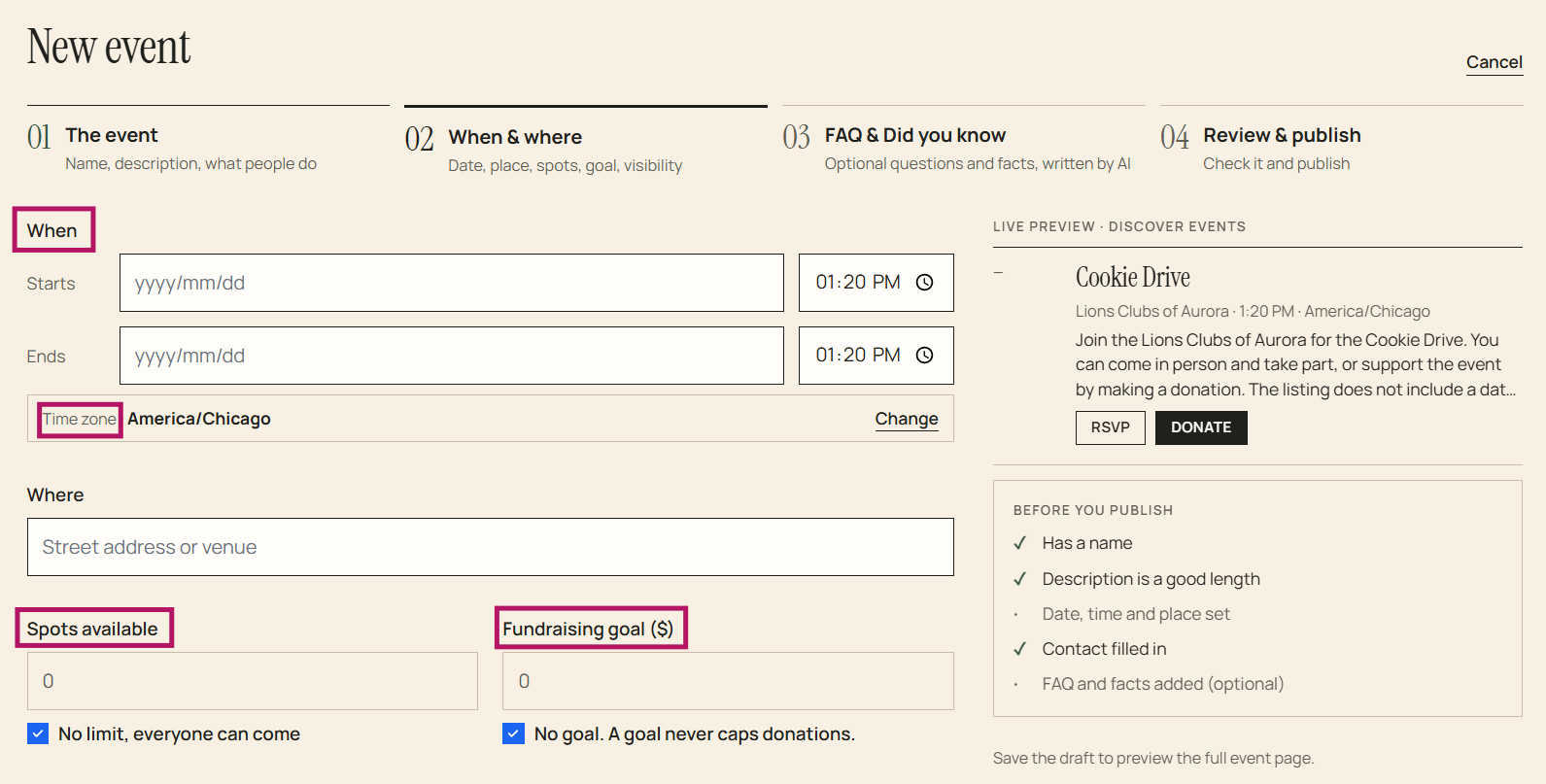
You can save as a 'Draft' and finish it later using 'Edit' or continue to Step 3
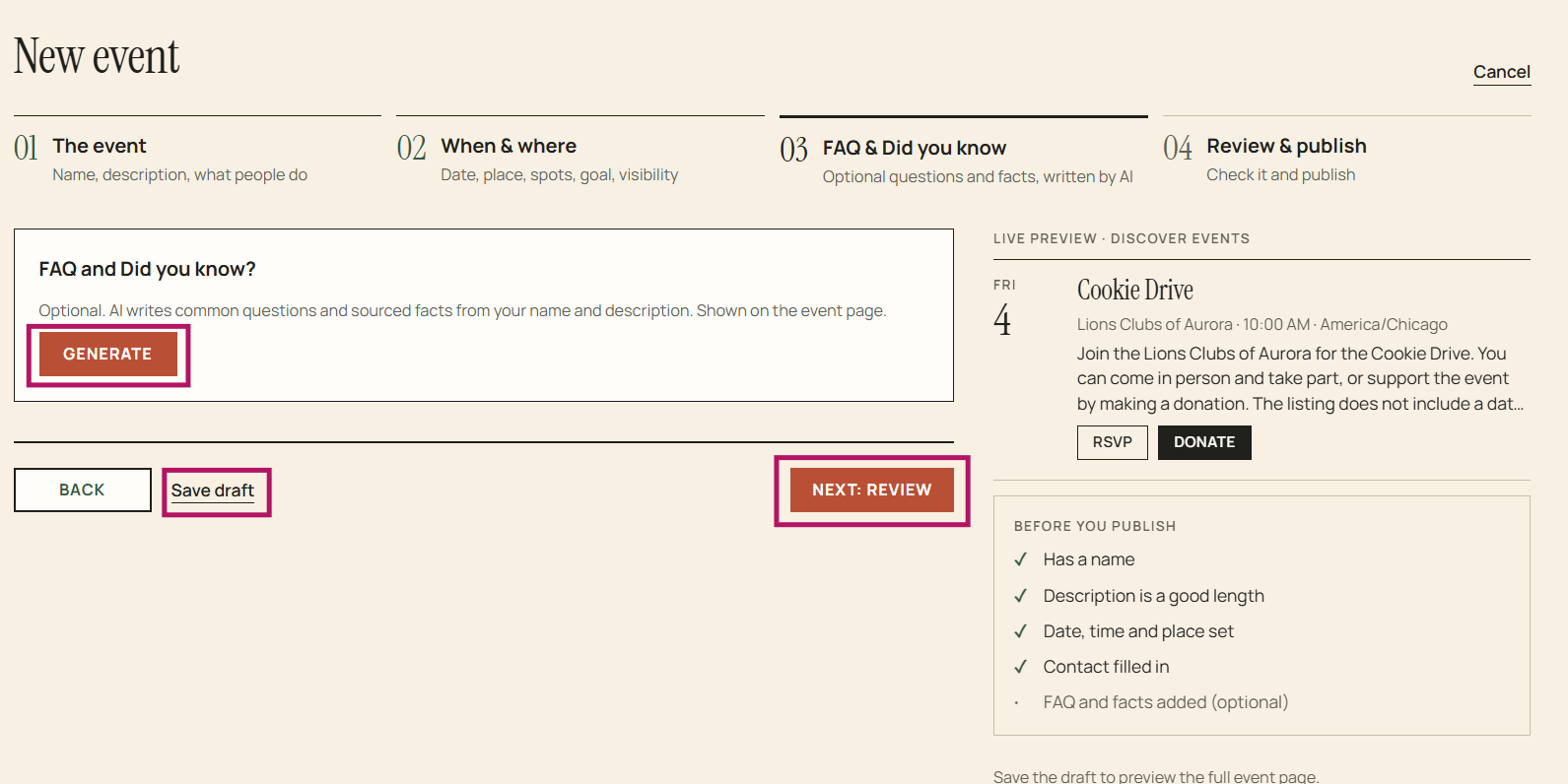
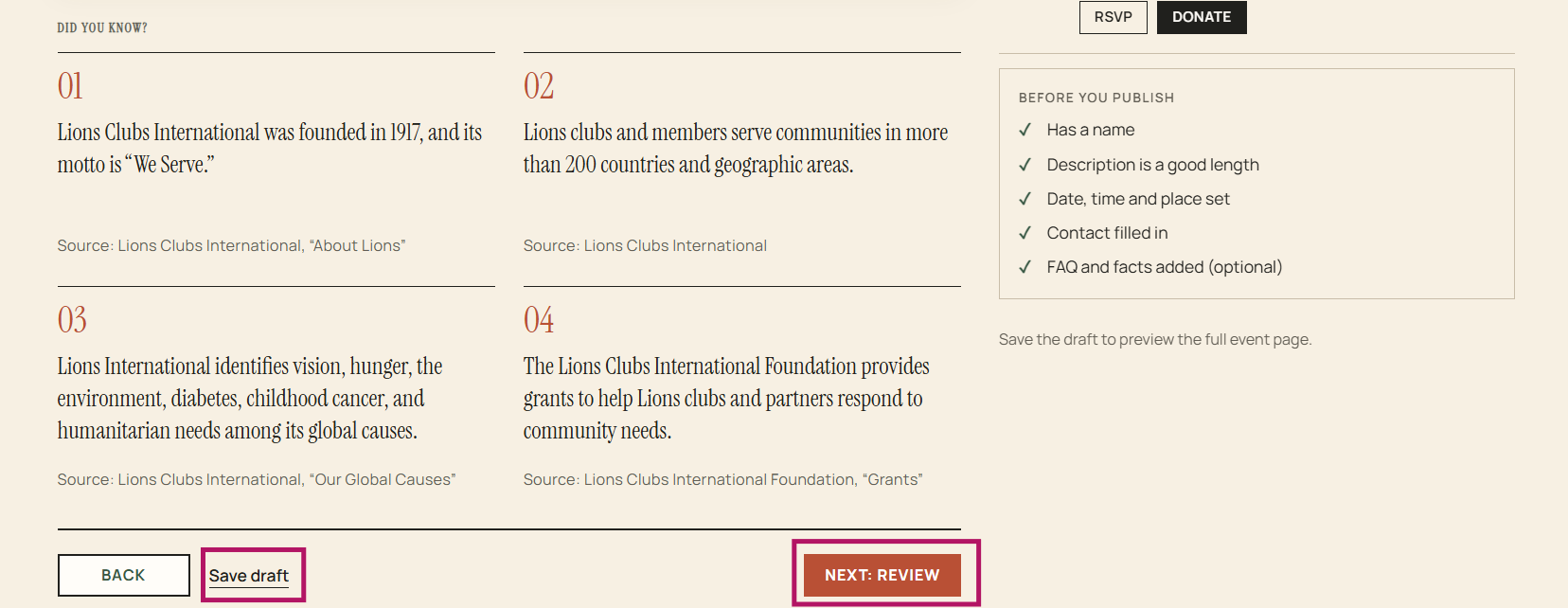
Complete Step 3 (optional) - AI can write common questions and sourced facts from your name and description which will be displayed on the event page.
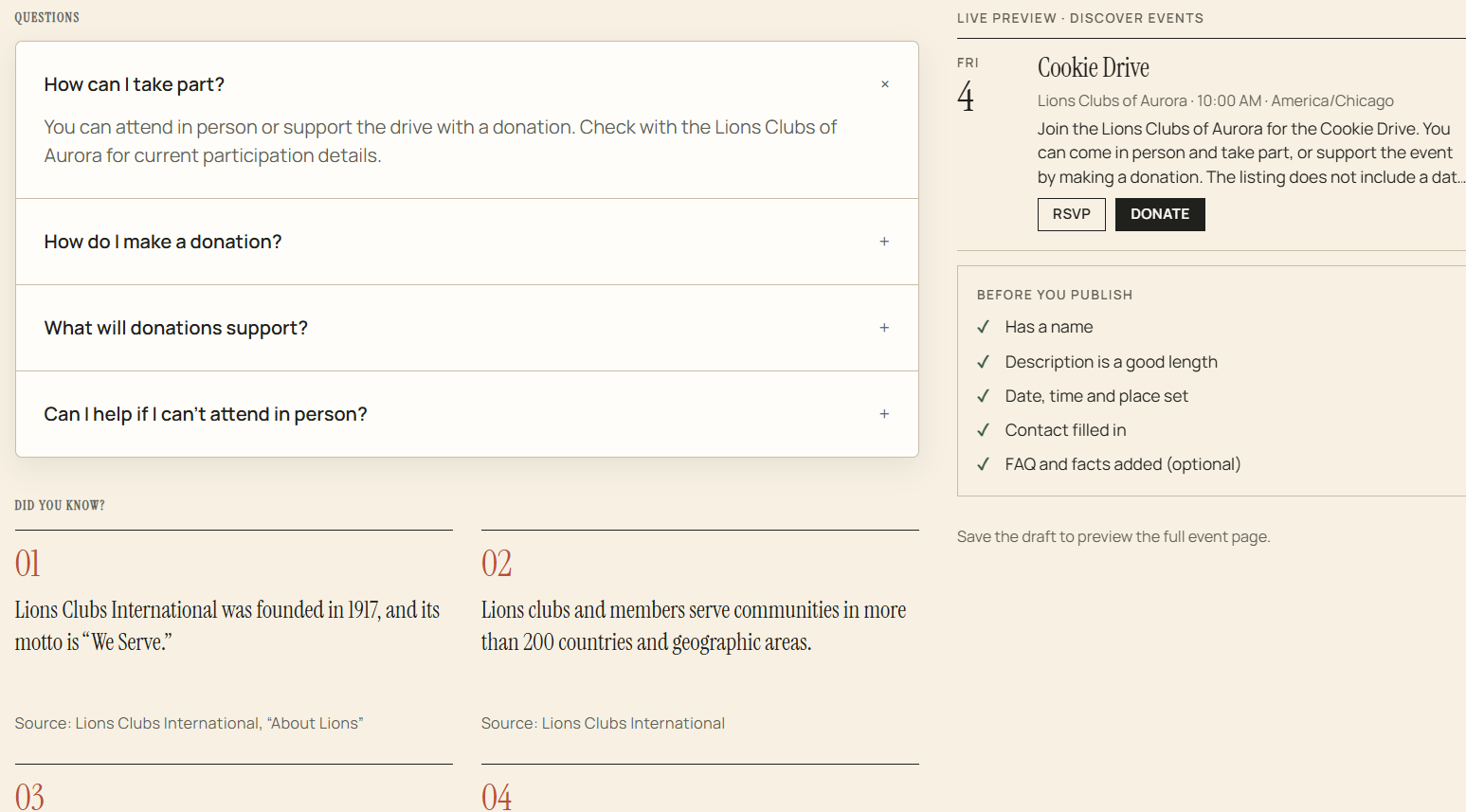
Example of AI generated content
You can save as a 'Draft' and finish later using 'Edit' or continue to Step 4
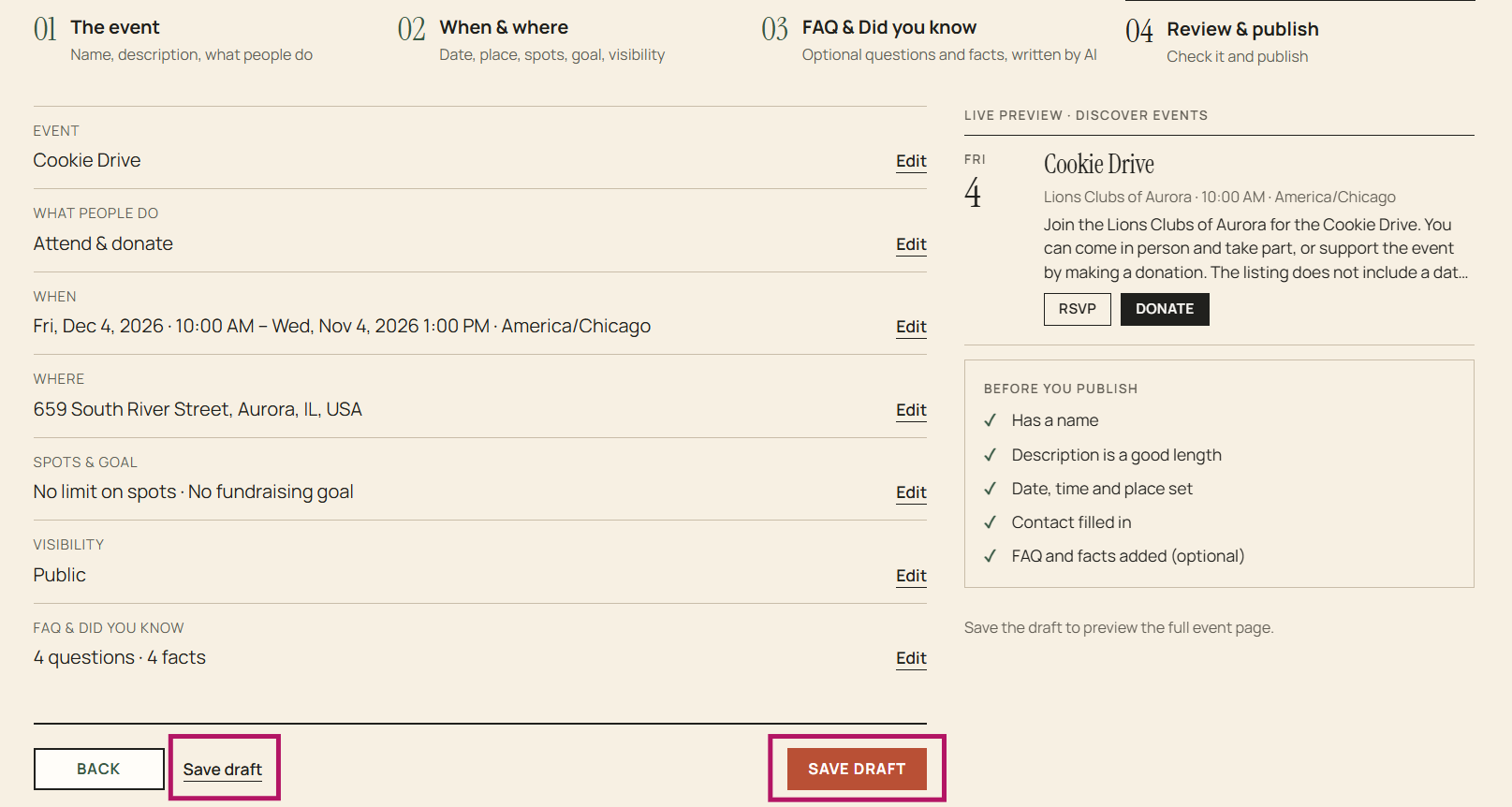
Save your event, review steps 1-4
You can preview the full event page or 'Publish' the event to make it public
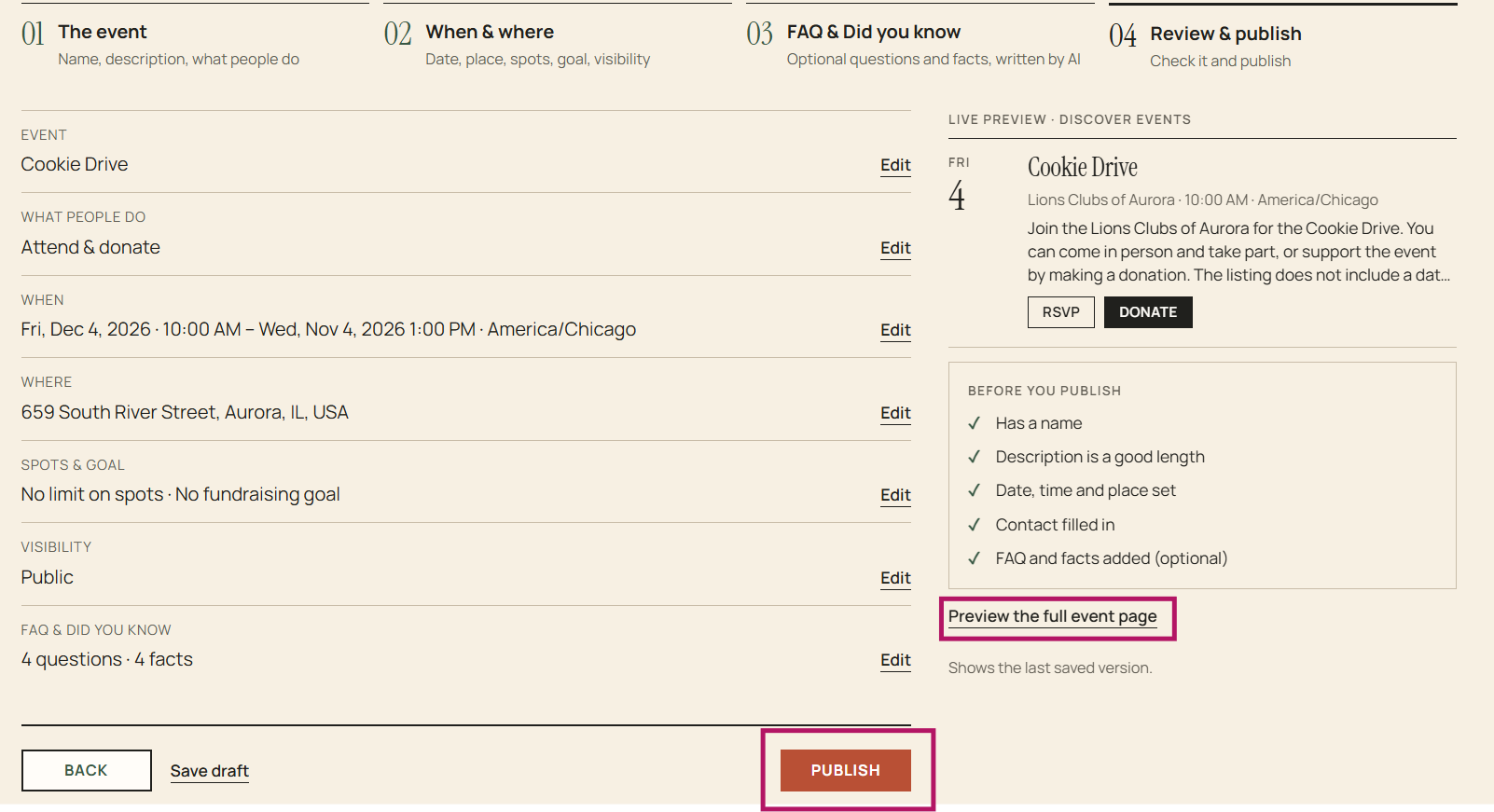
Once you 'Publish', the event is no longer editable