Dashboard
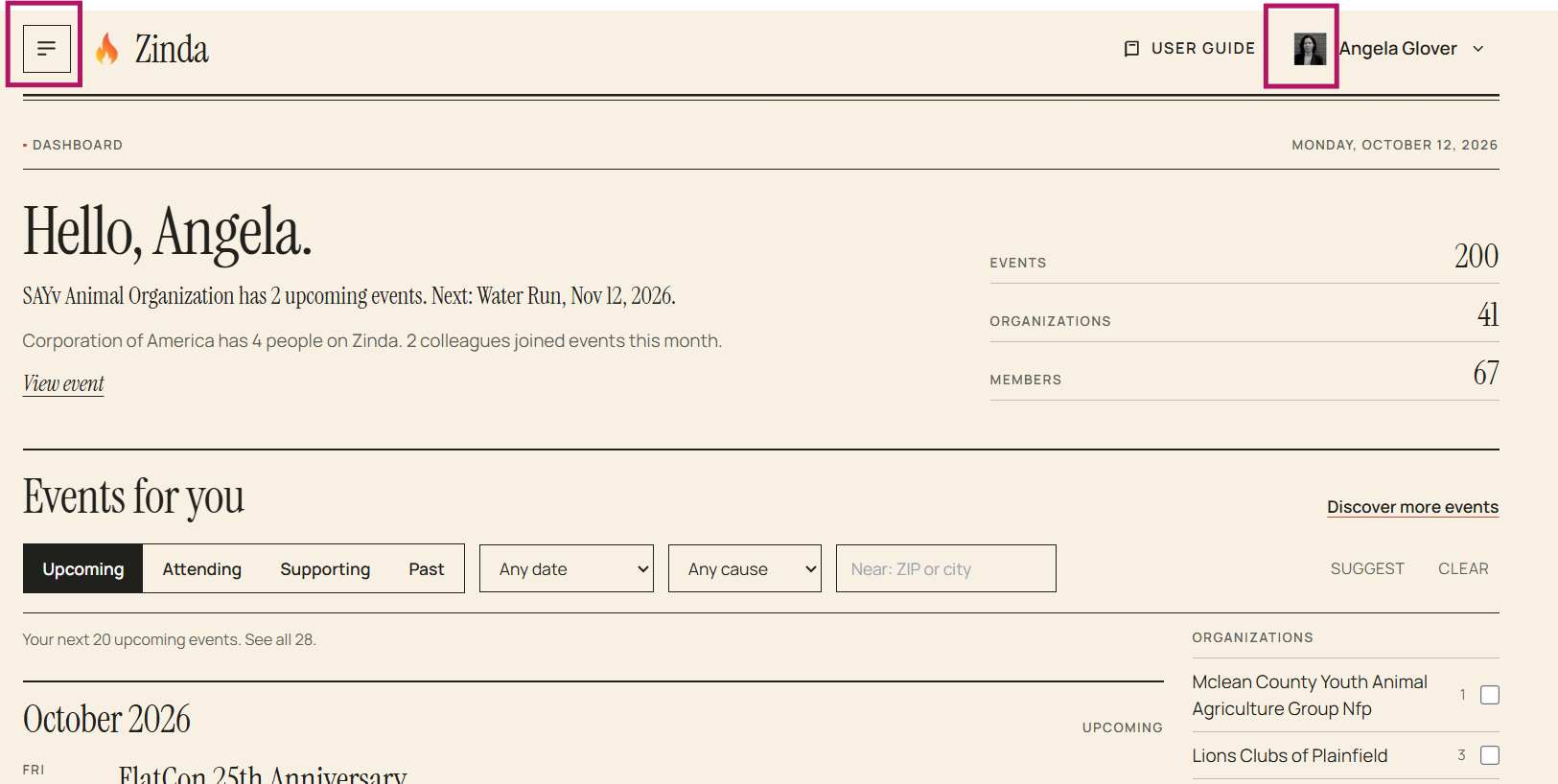
The dashboard is where you will click on the 'menu' in the top left corner to view your navigation options and click on your user 'profile icon' to view your current Zinda journey
Events for you:
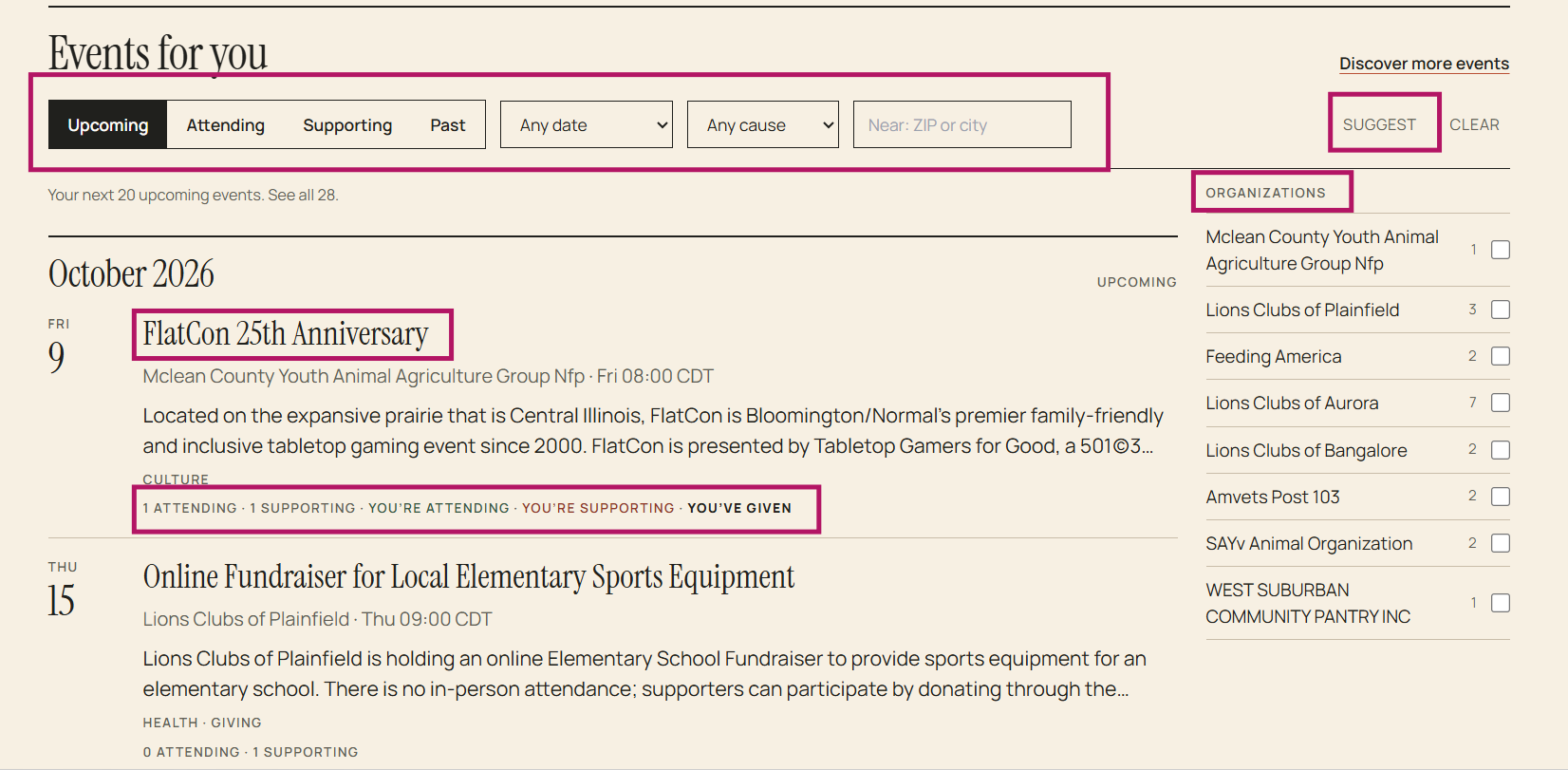
This section displays all public events and any private events that are applicable to you
Options:
- You can click on an event name to see the details
- You can click on any option listed below the event description to go to the event details (ex: attending, supporting)
- You can use the 'filter' to limit your view (upcoming, attending, supporting, past, specific date(s), cause, or by zip code)
- You can use 'suggest' to enable an AI based search using your existing information to suggest events that you may be interested in
- You can select specific organizations to view